The short answer
Complete the check-in steps for your sailing, save the pass and luggage instructions, and reach the correct terminal during the arrival window shown in your current documents. The arrival slot is not a promise of immediate boarding or cabin access. Keep essentials with you, follow staff directions, complete the line’s safety process and use the app for cabin and luggage updates. Each cruise line sets its own steps and deadlines.
In this guide
What is the difference between an arrival window and a boarding cutoff?
Your arrival window tells you when to reach the terminal; boarding may happen later as check-in, security and the line’s boarding process move forward. The ship’s departure time and the final time allowed to check in or board are separate. Follow the current instructions attached to your exact sailing.
Royal Caribbean tells guests to plan around the selected arrival time in its app. Celebrity says the selected time appears on the Xpress Pass and asks guests to arrive during that window. These are line-specific examples. Check the final check-in or boarding cutoff in the documents for your own sailing; if two instructions differ, ask the line which applies before travel.
Scroll sideways if you need to see more columns.
| Milestone | What it means | Where to check |
|---|---|---|
| Arrival window | When to reach the terminal. | Current app, boarding pass or guest documents. |
| Boarding group/start | When your group may proceed to the ship. | App, terminal display and staff. |
| Final check-in or boarding cutoff | The line’s last permitted time for the process. | Exact sailing documents; ask the line if sources conflict. |
| Departure | The ship’s scheduled sailing time. | Current itinerary and line alerts. |
What should you finish before leaving for the port?
Open the cruise account or app and complete the check-in items requested for your booking. Save the pass in the format the line accepts and note the selected arrival window. For Celebrity, the terminal address is in the app or Guest Account under “Before You Board.” Recheck the address and arrival details before setting out.
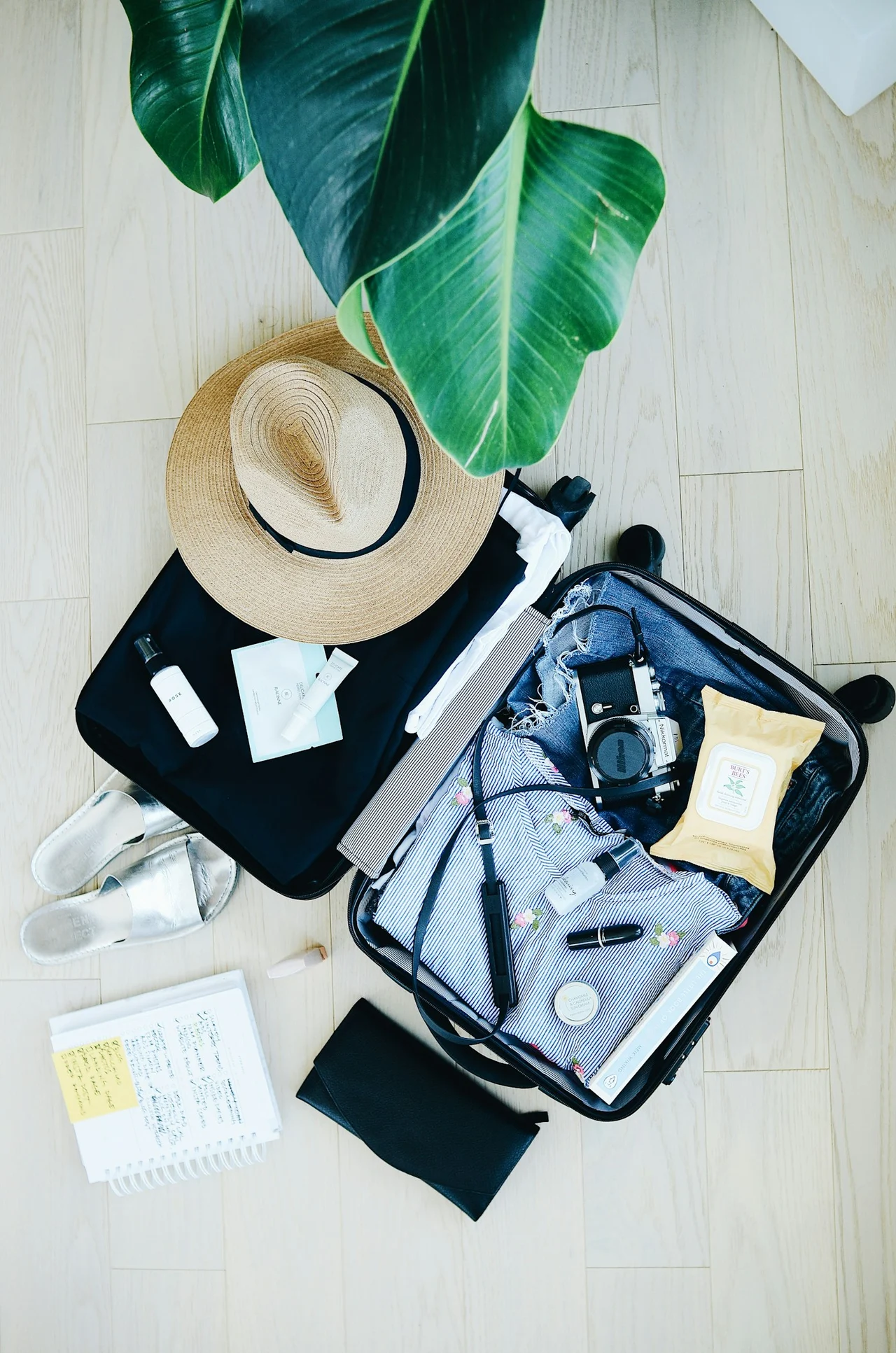
Read the current baggage-tag instructions for your port and sailing. Celebrity makes tags available in Guest Account under “View Your Documents” to print; if you cannot print them, the line says tags are available at the pier. Attach tags only as directed. Keep required travel documents, your phone and charger, valuables, personal necessities and anything needed before checked bags or cabin access in a bag that stays with you. Check the line’s current security and prohibited-item list. Document eligibility and medical questions require the relevant official checklist or a direct answer from the line; this guide does not determine either.
- Pass saved and accessible for each traveler
- Correct terminal address and arrival window checked against current documents
- Luggage tags printed from the line account or collected at the pier as directed
- Travel documents, phone/charger and needed personal items kept with you
- Current line and port security instructions checked
What happens at the terminal?
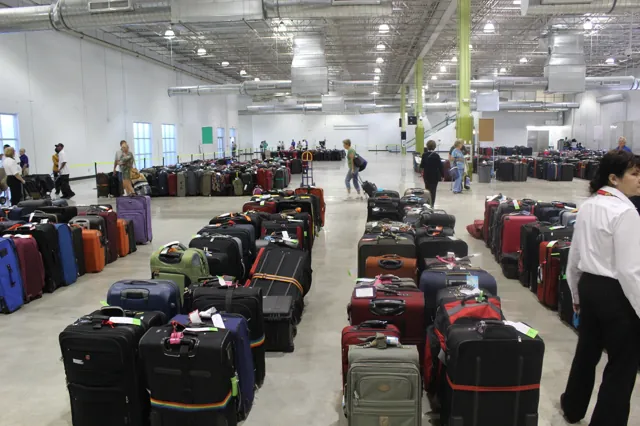
The order and layout differ by port. Follow signs and staff for the correct terminal, any tagged-bag handoff, identity or booking checks, security and the line’s boarding process. A generic terminal diagram from another port may not match yours.
Keep your pass and required booking materials available until staff direct you otherwise. If your arrival window, terminal entrance or travel plan changes, use the cruise line’s current update channel rather than relying on an old screenshot.
Sources [1]
What do you do once onboard?
Check the app or onboard instructions for the safety briefing, assigned station, cabin-ready update and luggage notices. Royal Caribbean’s current check-in FAQ directs guests to tap the Safety icon on the app home page, complete the first briefing steps, then go to the assigned Assembly Station. Royal says all guests must finish the briefing before the ship can sail. Other lines may use different instructions.
Use the first part of the day for required steps and orientation. Celebrity says correctly tagged checked bags should be delivered to the stateroom within a few hours of setting sail, but make plans that still work if luggage or cabin access comes later than you hoped; check the line’s current update for your ship.
How can you make a simple first-hours plan?
Choose a few flexible priorities: complete required safety steps, locate your cabin when released, agree where your party will meet, and check dining or activity reservations in the app. Keep personal essentials with you until your bags arrive.
Keep the small bag you prepared before leaving with you until the cabin is ready; then use the app or onboard instructions for luggage updates. For more detail, use the cruise packing list and U.S. travel-document checklist; the disembarkation guide covers the final morning and departure process.
Use the cruise packing list · Review the U.S. travel-document checklist · Plan the final morning and disembarkation
What should your embarkation checklist say?
Keep your plan short enough to use while traveling. Save the key instructions for your exact ship and sailing, then update the list if the app or line changes them.
Common questions
Does my arrival window mean I board then?
No. It tells you when to reach the terminal. Check-in, security and boarding groups affect when you board; follow the separate final cutoff in your current sailing instructions.
What if my phone battery dies at the pier?
Celebrity says its check-in counter staff can look up your reservation if you cannot access the Xpress Pass. For another line, use that line’s current port instructions.
Sources [3]
What should I keep in the bag I carry onboard?
Keep required travel documents, your phone and charger, valuables, personal necessities and anything you need before checked luggage or cabin access. Follow your line’s luggage-tag and prohibited-item instructions.
Where do I find terminal details and luggage tags?
For Celebrity, the terminal address is in the app or Guest Account under “Before You Board.” Tags are in Guest Account > “View Your Documents” to print, or available at the pier if you cannot print. Check your own line’s instructions if sailing elsewhere.
Sources [3]
Sources and scope
Check the current terms for your ship, sailing and booking. This guide combines published source material with planning suggestions; it does not claim firsthand travel experience.
- When should I arrive at the cruise port terminal? | Royal CaribbeanSource checked 2026-10-21.
Royal says to plan arrival and boarding around the selected app time; the opened FAQ distinguishes that selected time from final check-in/boarding constraints and contains an operational-hours rule. Conflicting timing statements across Royal FAQ pages mean no numeric universal cutoff is repeated here.
- When can I check-in for my cruise? | Royal CaribbeanSource checked 2026-10-21.
Royal recommends app check-in and says to tap the Safety icon on the home page to start the Safety Briefing before heading to the assigned Assembly Station; all guests must complete the briefing before the ship can sail. Page also gives app check-in and arrival-time guidance. The opened Royal arrival FAQ expresses its numeric cutoff differently, so no generalized deadline is asserted.
- Boarding Requirements & Checking In FAQs | Celebrity CruisesSource checked 2026-10-21.
Celebrity FAQ: terminal address is in the app or Guest Account under “Before You Board”; selected arrival time appears on the Xpress Pass; bag tags are in Guest Account > View Your Documents and can be printed, or obtained at the pier; if the mobile device battery dies, terminal check-in staff can look up the reservation; a correctly tagged checked bag should reach the stateroom within a few hours of setting sail.